Shopify Product Ads
One-click ad generation from your Shopify product catalog
Create This Ad Free100 free credits on signup — no card needed


About This Ad Style
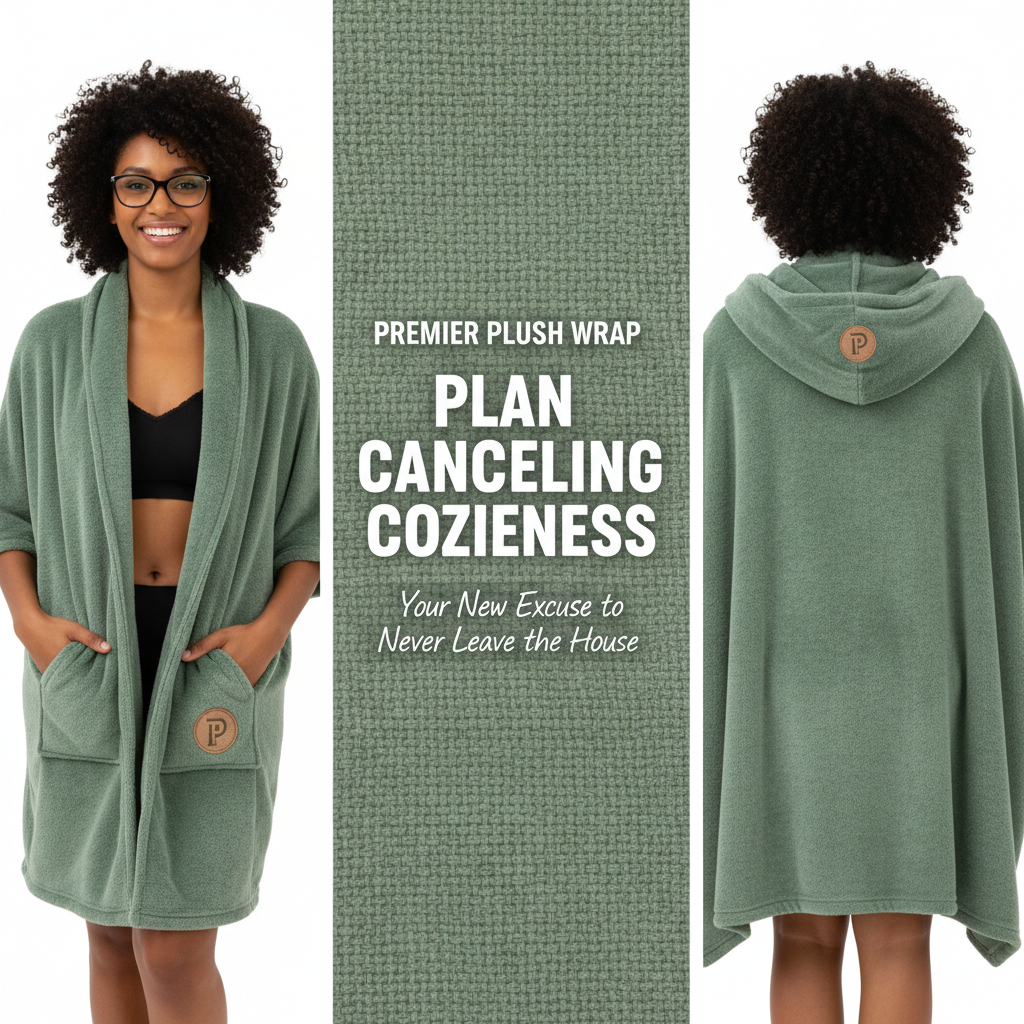
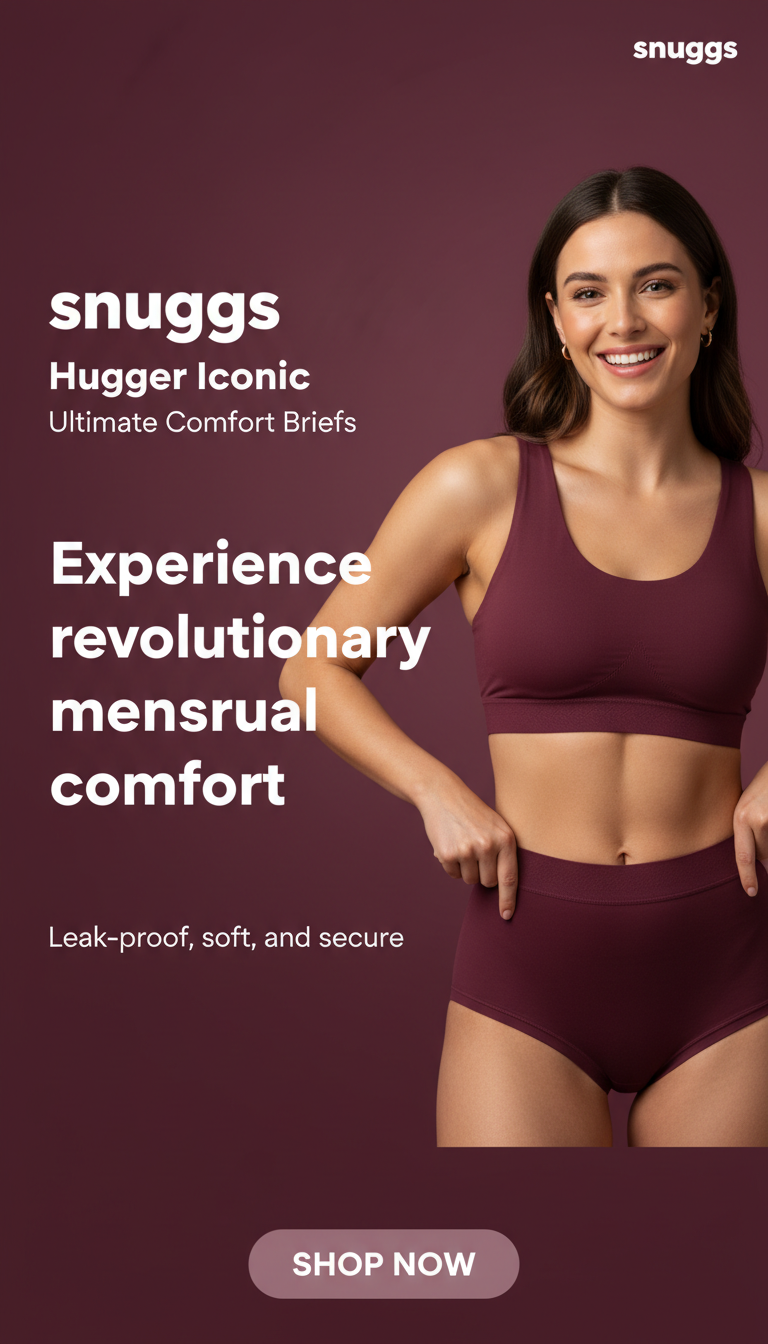
Generate ad creatives directly from your Shopify product catalog with one click. ShootFlo's native Shopify integration pulls your product images, titles, descriptions, and pricing to create complete ad creatives automatically. The AI takes your existing product data and transforms it into scroll-stopping ads for Instagram, Facebook, TikTok, and every major platform. No manual image editing, no copywriting, no design skills needed — just select a product, choose a template or describe your vision, and the AI handles everything. Generate multiple ad variations for each product to A/B test across campaigns. The visual canvas editor lets you fine-tune any detail before exporting. Create single-product hero ads, multi-product collection ads, or comparison ads featuring products side by side. With credit-based pricing and 100 free credits on signup, you can generate ads for your entire catalog without committing to a monthly subscription. This is the fastest path from Shopify product to live ad creative.
How It Works
Step 1: Describe or Browse
Enter a prompt or browse winning ad templates to remix with your brand
Step 2: AI Creates Your Ad
Our AI generates complete ad creatives with visuals, copy, and layout
Step 3: Export & Launch
Download campaign-ready ads sized for any platform
Perfect For
- Automating ad creation for large Shopify catalogs
- Quick ad generation for new product listings
- Seasonal campaign creatives for Shopify stores
- Multi-platform ad export from a single product
- Product ad A/B testing at scale
Frequently Asked Questions
Related Ad Styles
Facebook Feed Ads
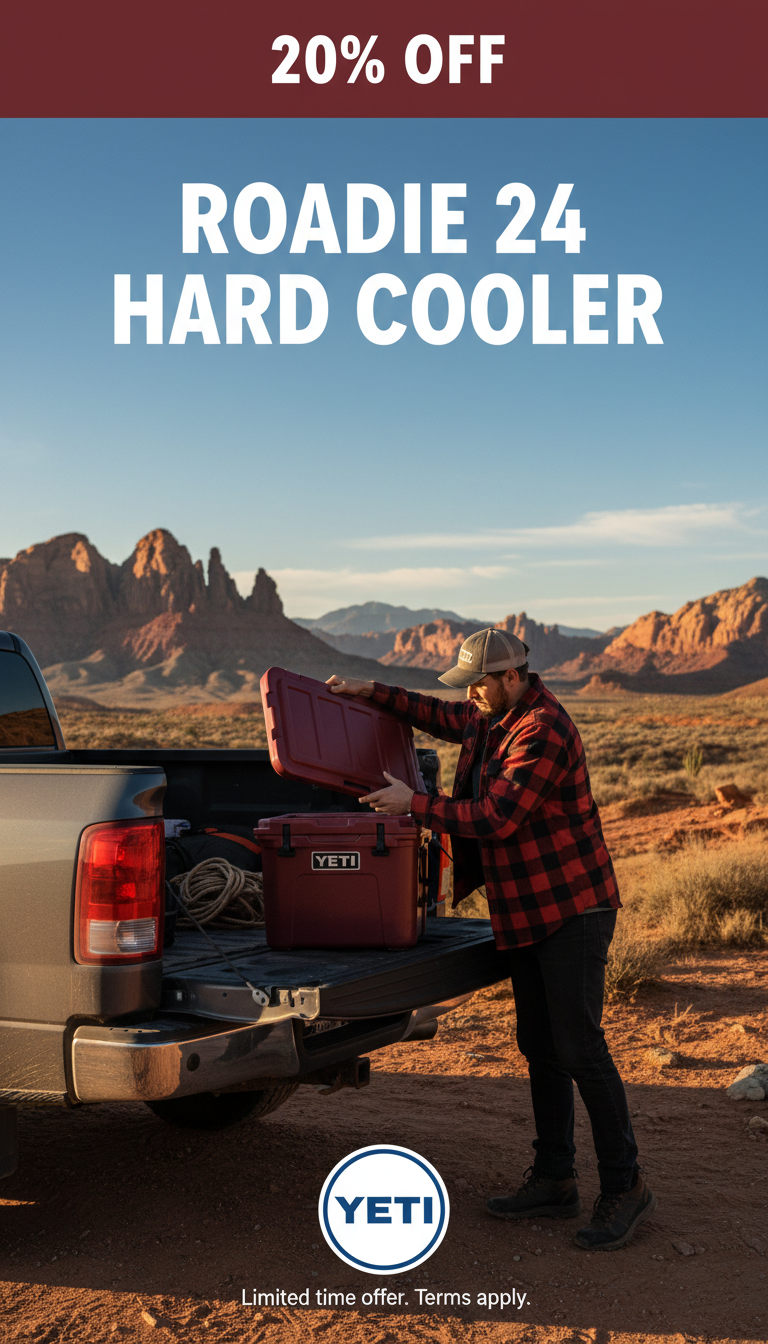
High-converting Facebook feed ads created by AI in seconds
Learn more
Product Showcase Ads
Hero-style product ads that make your items the star
Learn more
Flash Sale Ads
Urgency-driven sale ads that create FOMO and drive action
Learn moreNew Arrival Ads
Launch new products with ads that build anticipation
Learn moreStart Creating Shopify Product Ads
Generate winning ads in seconds. 100 free credits to get started — no credit card needed.